Manage Kafka resources from the administration panel.
Kafka Management gives operators a single place to inspect and administer Kafka cluster resources used by CDC pipelines: topics, records inside topics, consumer groups, and schemas stored in Schema Registry.
Module scope
Kafka Management is an operational panel for administrators and technical users. Views use the currently selected Kafka cluster, so an operator can quickly switch the working context and analyze resources assigned to a specific environment. The module supports common diagnostics: topic search, record count checks, offset analysis, sample message consumption, test record production, topic configuration control, and schema verification.
Operators can perform administrative actions from the GUI without switching to command-line tools. Views show cluster status, the logged-in user, and the current navigation context.
Topic, record, offset, and consumer group inspection helps verify whether data is produced, consumed, and processed as expected.
Schema Registry gives operators version control for table and message schemas, making it easier to analyze compatibility of data used by connectors.
Topics
The Topics view presents Kafka topics available in the selected cluster. Aggregated metrics at the top show the number of topics and records. The table supports topic search, partition count review, record count review, and administrative actions such as deleting a topic or opening its details.
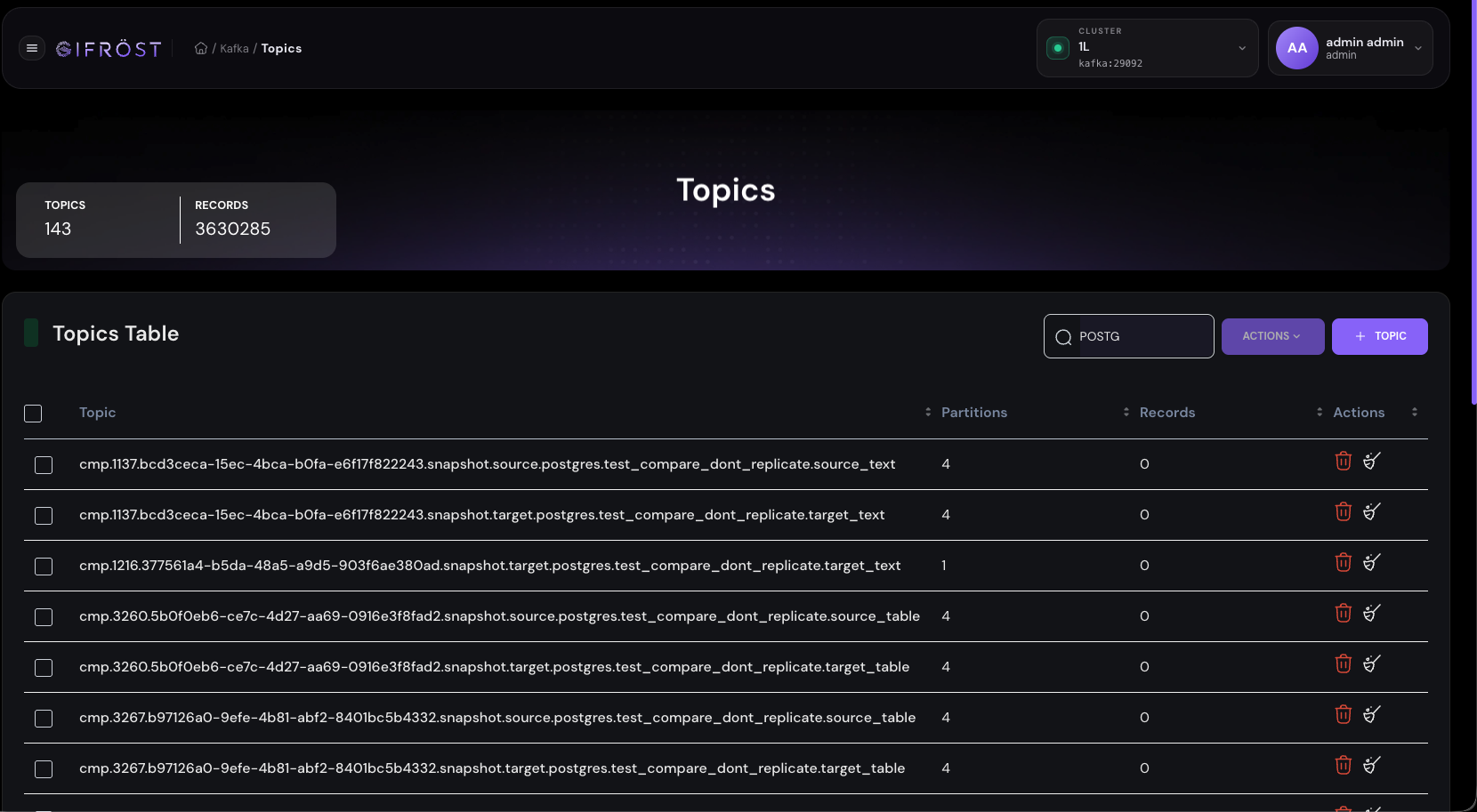
Operators can filter topics by name, check data volume, and select a topic for deeper analysis.
The panel exposes topic-level actions, including deletion and navigation to the detailed view with Consume, Produce, Configuration, and Partitions tabs.
The topic creation button lets users prepare a new Kafka topic according to parameters required by a data flow or integration test.
Topic details
The topic detail view shows basic parameters such as partition count and replication factor. Below the header, tabs are available for consuming data, producing messages, editing configuration, and inspecting partitions.
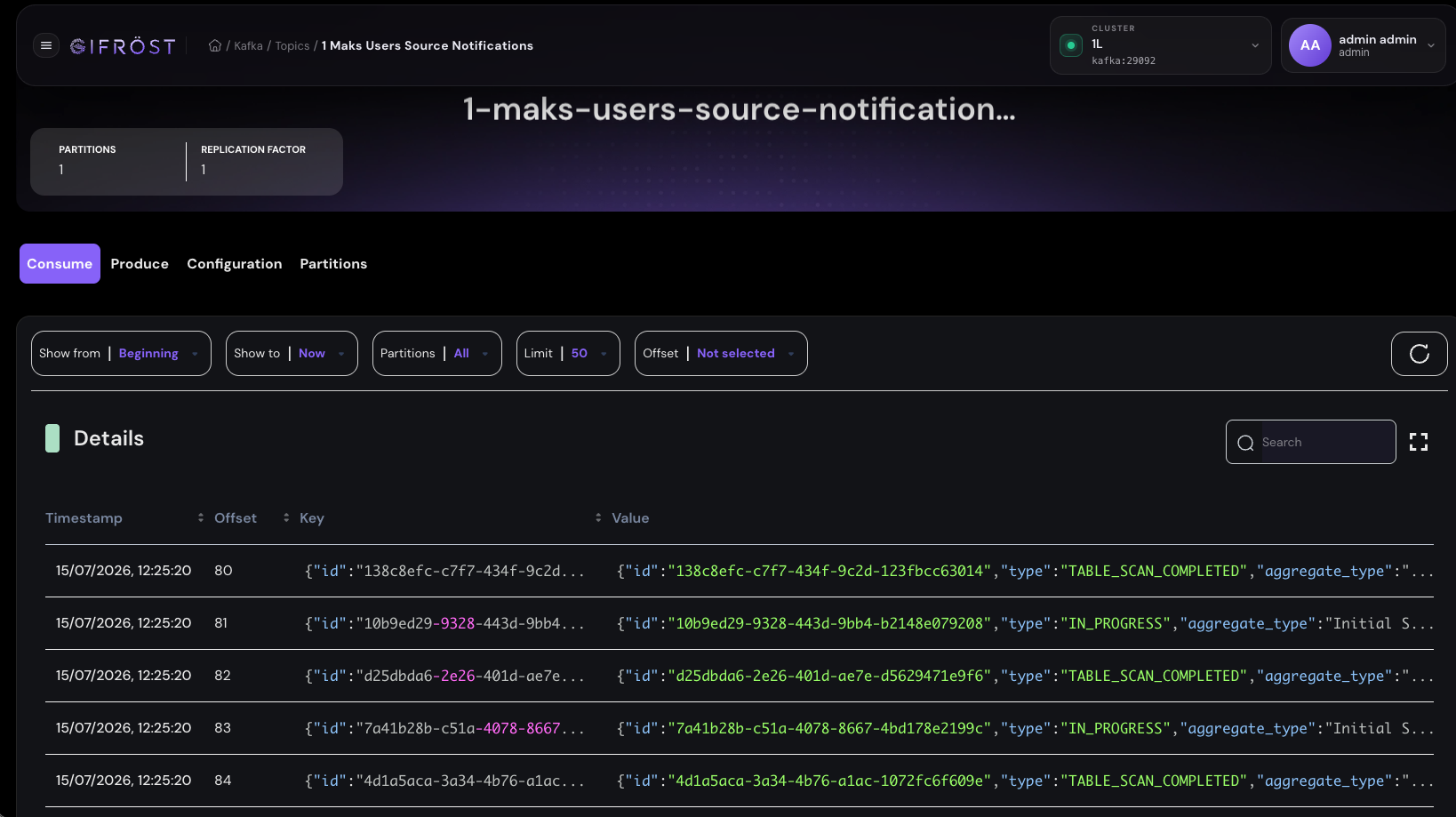
Consume: reads records from the topic, supports reading from the beginning or current end, partition selection, limit, offset selection, and result search.
Produce: publishes a test or technical message to the topic, which is useful when verifying integrations and consumer behavior.
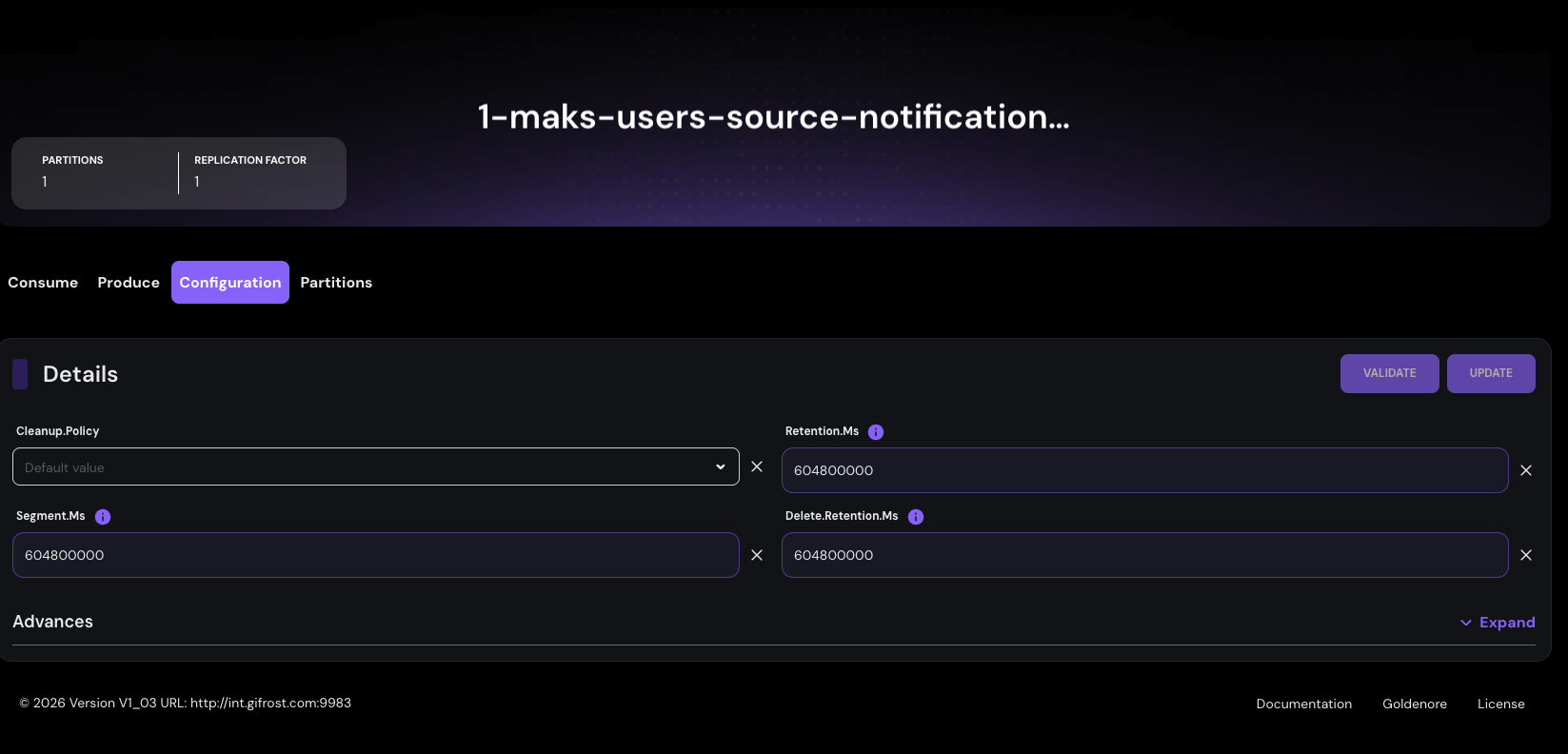
Configuration: exposes topic parameters, change validation, and configuration updates, for example retention and segment settings.
Partitions: shows partition information, helping operators analyze data distribution, offsets, and consumer behavior.
Consumer Groups
The Consumer Groups view shows application consumers running in the Kafka cluster. Operators can see the group identifier, status, and group type. This makes it easier to determine whether consuming applications are active, stable, or currently have no assigned consumers.
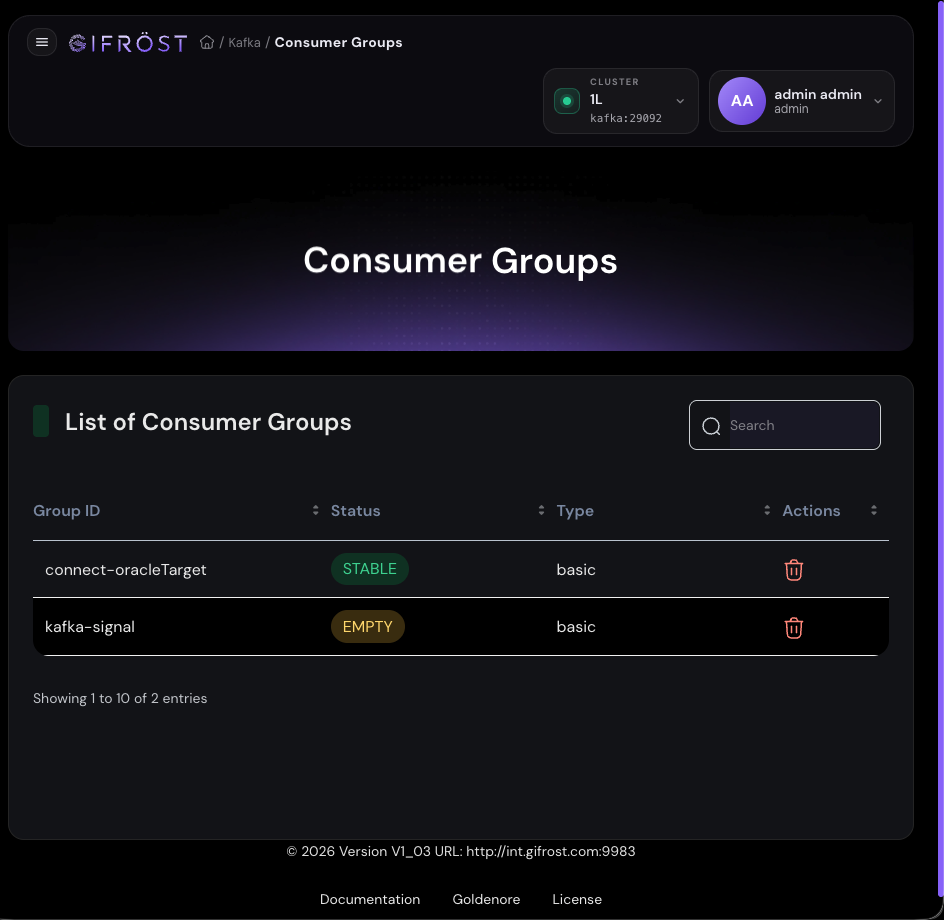
Statuses such as stable or empty help determine whether a consumer group has active members and whether its state is correct.
Group ID helps link a group to a specific application, connector, or process that consumes data from Kafka.
The panel exposes administrative actions such as deleting an unused group when required by maintenance procedures.
Schema Registry
The Schema Registry view presents schemas registered for topics, tables, and messages used by CDC flows. For each subject, the panel shows subject type, subject name, current version, and version count. This lets administrators control data contracts and schema changes used by connectors and consuming applications.
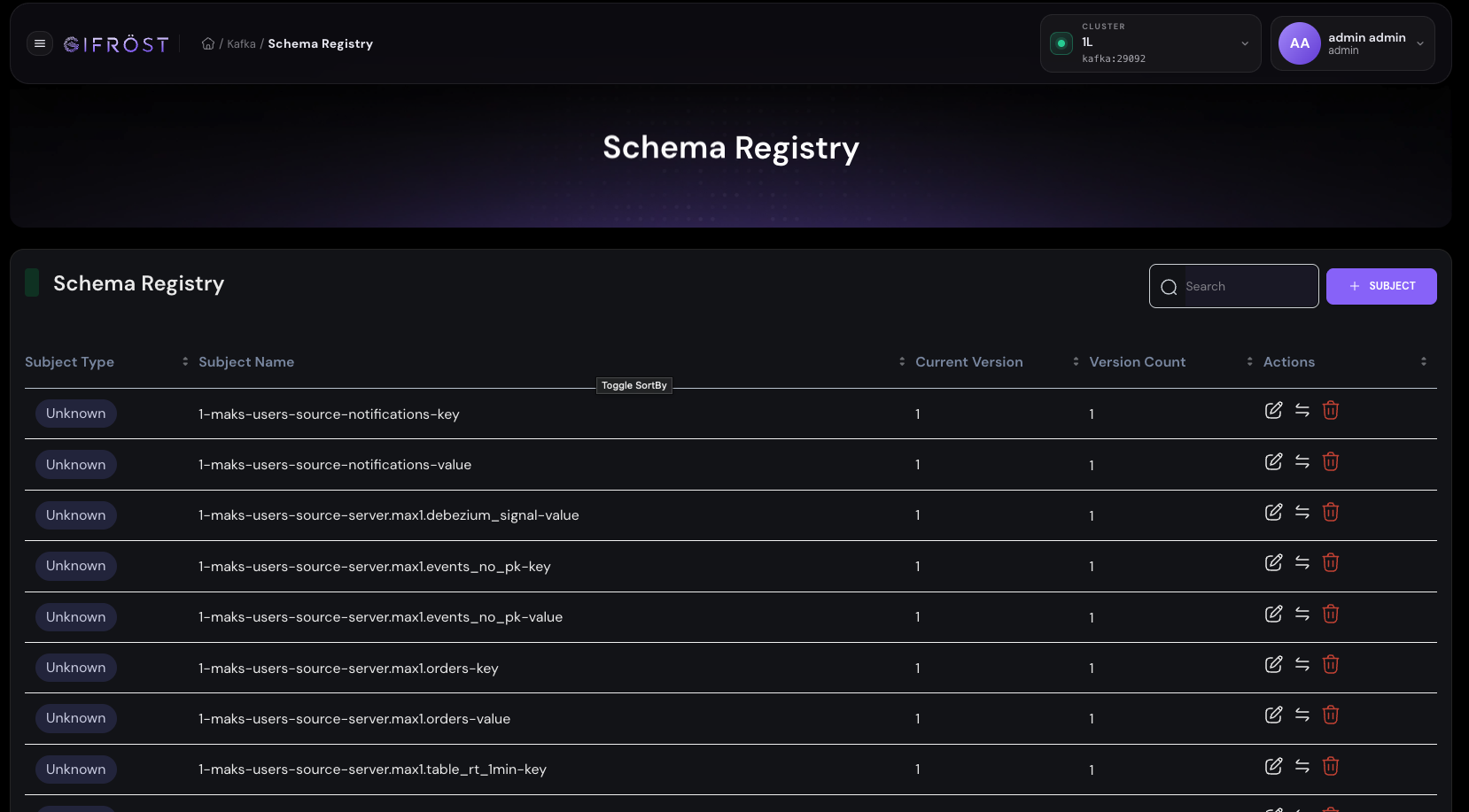
The subject list helps find key and value schemas for tables and technical messages such as signals or supporting events.
The panel supports comparing schema versions, helping operators understand what changed and whether the change is compatible with the expected data contract.
Users can add new subjects, edit existing definitions, and remove schemas when required by environment maintenance.